
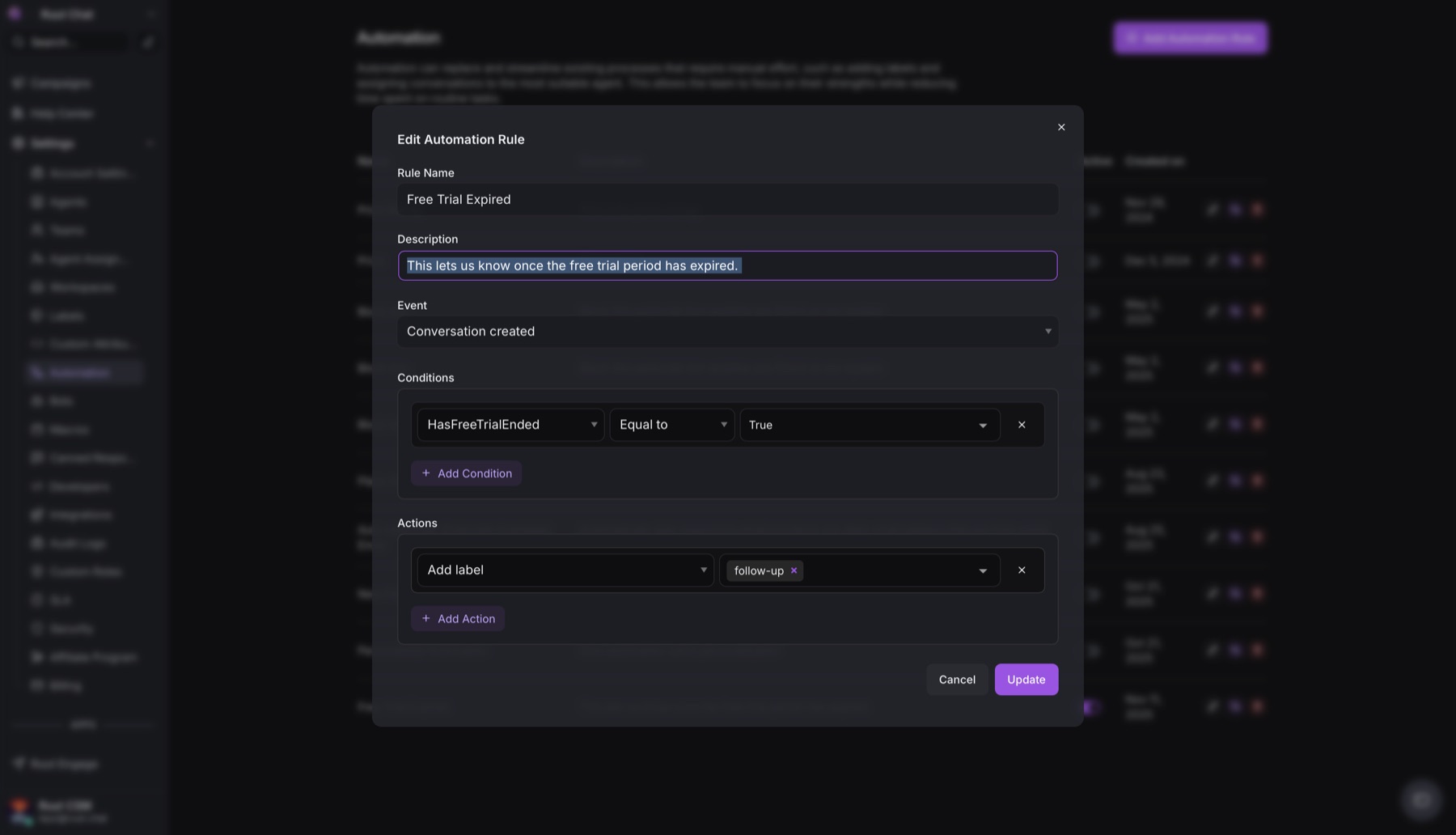
The first useful automation is often a small one: add a label, route a conversation or remind the team to check work. A complicated rule can move a request quickly to the wrong place. Start with actions the team can explain, inspect and reverse before automating decisions that change a customer’s account.
Write the rule in plain language first
A good rule description can be understood without opening the configuration screen: “When a new conversation enters the delivery inbox, add the delivery label.” If the description contains three exceptions and a judgement about customer intent, split it into smaller steps or keep part of the process manual.
For each rule, record the event that starts it, the condition that must be true, the action and the expected exception. Decide who reviews a failure. Also ask whether another rule can undo or duplicate the action. Two sensible automations can create an unhelpful loop when combined.
1. Route a clearly defined incoming queue
Route by a known inbox or other dependable property where the product supports it. This is easier to explain than inferring every customer’s intent from free text. Keep a fallback queue for requests that do not match, and assign someone to check it. An unmatched message must remain visible.
2. Apply a label with a precise meaning
Use a label to describe a reason for contact or a routing category, not a vague judgement about the customer. “Delivery question” is actionable; “difficult customer” can encourage poor handling. Document whether an agent may change the label after reading the conversation.
3. Set expectations outside working hours
An after-hours acknowledgement should say when people are next available and what the customer can leave for them. Test time zones, weekends and exceptional closures. Avoid promising an immediate response from a team that is offline. An automated acknowledgement should not hide the request from the next shift.
4. Keep a human handoff out of the bot loop
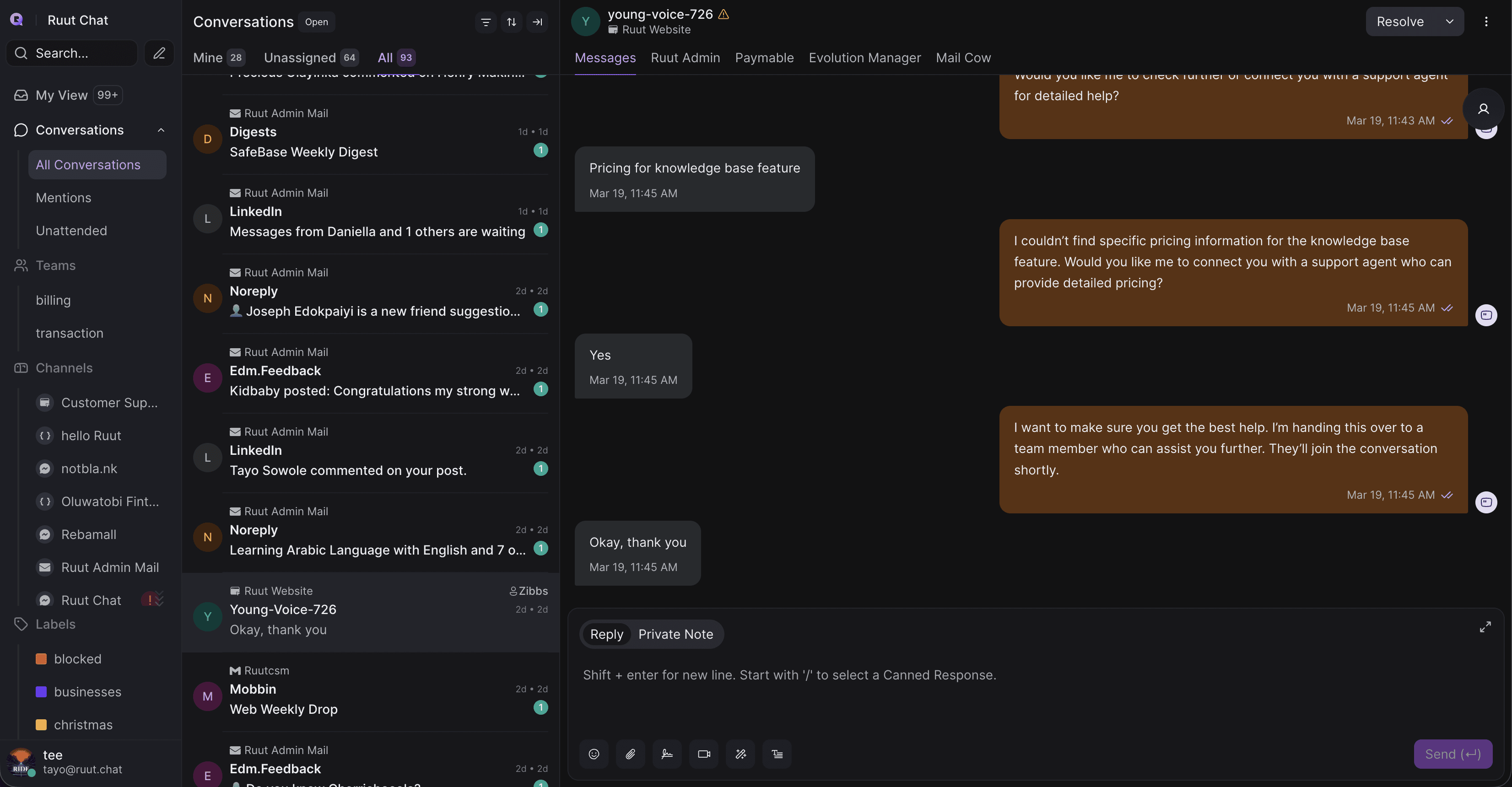
When a person takes ownership, make sure automation does not repeatedly send the same greeting or reopen an AI flow. The exact controls depend on the assistant and inbox configuration. Test a customer who asks for a person twice, and inspect what happens when the receiving agent replies.
5. Flag a dependency for review
If a conversation is waiting on another team, record the dependency and a review time using the task, label or workflow controls available. Do not make a time-based rule look like proof that someone checked the case. A reminder is only useful when a named person is responsible for acting on it.
6. Support assignment without creating abandoned work
Automatic assignment can reduce manual sorting, but test availability and absence behavior. Where capacity controls are not available, define a manual check for overloaded owners. Assigning a conversation to somebody who cannot see or handle it can be worse than leaving it in a monitored triage queue.
7. Capture feedback without pretending it is resolved
A rule can help label product feedback or route it to the right team. That is different from completing the customer’s support request. Make sure the conversation owner still answers the immediate question and explains what feedback submission does—and does not—promise.
Test the awkward cases
| Test | What to check |
|---|---|
| A request matches two rules | The combined actions are still useful |
| The same event happens twice | No duplicate reply or looping action |
| No rule matches | A fallback owner can see the request |
| A teammate is absent | The conversation is not abandoned |
| The rule is disabled | The team knows the manual fallback |
The Ruut automation interface lets you evaluate supported rules in context. Start with a small sample, review the resulting conversations and keep a record of the configuration you changed. Add the next rule only when you understand how the existing ones behave.
Continue with what to automate with AI and what to keep human for a practical next step.
Frequently asked questions
Can rules replace a support owner?
No. A rule can route work; a person or accountable team still needs to monitor the result.
Should every repeated task be automated?
No. Consider the cost of an incorrect action and whether the task has reliable inputs.
What should we do when a rule misfires?
Disable or narrow it, handle affected conversations and reproduce the failure before switching it back on.



No comments yet.