
A saved reply should make a helpful answer easier to write. It should not make every customer feel they are talking to a script. Start with the customer’s actual question, verify the facts and then adapt the wording. These examples are working copy for a support conversation, not promises that every case has the same outcome.
How to use these examples
Store the versions your team uses most, give each a clear name and assign someone to review it when the policy changes. Add the verified order reference or case number from your system. If you do not yet know what happened, say what you are checking instead of filling the gap with a confident guess.
For business-initiated WhatsApp messaging, check the Business Messaging Policy and the requirements of your connection. A saved reply in an inbox is not the same as an approved Platform message template. Choose the permitted message type before copying this wording.
1. Acknowledge a new enquiry
Use this when the detail is genuinely missing. Asking for an order reference a second time tells the customer the team has not read the conversation.
2. Give a useful investigation update
3. Explain a delivery delay
Do not insert a delivery date unless the responsible system or team has confirmed it. A precise but invented estimate creates a second service failure.
4. Move to a specialist
5. Respond outside working hours
6. Acknowledge frustration
An apology is useful when it acknowledges the actual issue. Avoid blaming another department or telling someone to calm down. Follow the acknowledgement with a concrete next step.
7. Request information safely
8. Follow up after a missed call
9. Ask before closing a conversation
10. Reopen an unresolved issue
11. Explain a policy limit
12. Send a final agreed follow-up
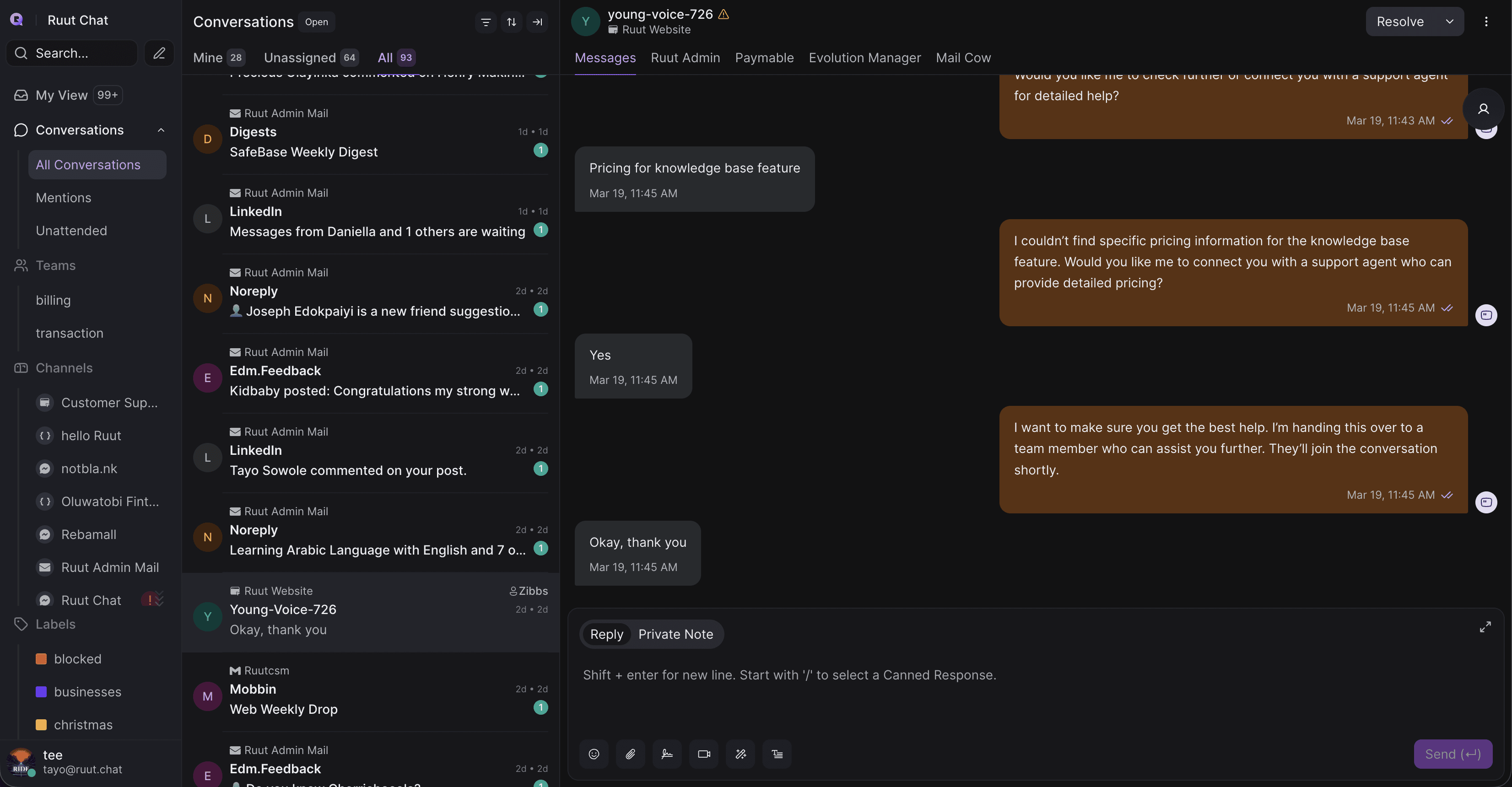
Ruut Chat includes tools such as canned responses and private notes. Use saved wording as a starting point, and keep internal instructions out of the message sent to the customer. Periodically sample replies to check that teammates are adapting them rather than sending the brackets unchanged.
Continue with the missed-call follow-up playbook for a practical next step.
Frequently asked questions
Can these messages be sent as WhatsApp marketing templates?
Not automatically. These are support-writing examples. Platform templates have separate submission, category and permission requirements.
Should we use a customer’s first name in every reply?
Use it naturally. Repeating it in every short message can sound scripted.
What if we miss a promised update time?
Acknowledge the missed commitment, give the facts available and agree a new update time that has a responsible owner.


No comments yet.